
Why Your “Active” Employees Might Be Doing Nothing All Day (And How to Find Out)
Introduction
Recent studies suggest that up to 40% of the average workday is spent on unproductive activities, a statistic that highlights a significant challenge for businesses hoping to optimize employee performance. Understanding how employees spend their time is critical as organizations strive to maintain productivity, especially with the rise of remote and hybrid work models. The ability to detect inactivity or inefficiency can save companies from unnecessary expenditures and improve overall productivity.
This post will delve into why some active employees might appear busy but achieve little, providing insights into the behaviors contributing to this phenomenon. We’ll guide you through understanding, identifying, and addressing these challenges with effective tools and strategies.
What Is Employee Inactivity?
Employee inactivity refers to periods during the workday where employees engage in tasks that contribute little to the organization’s goals. This doesn’t always mean they are idle; employees may be busy with tasks that aren’t aligned with their key responsibilities or that fail to add value to the business.
This issue often arises because of misalignment between organizational priorities and employee tasks, unclear performance metrics, or the absence of proper monitoring tools. It’s particularly relevant for managers overseeing remote teams where direct supervision is limited. Recognizing signs of inactivity early can help managers intervene and redirect efforts more effectively.
Why Your Employees Might Be Doing Nothing All Day
There can be multiple reasons behind employees appearing busy without delivering results. Often, it’s a mismatch of skills to tasks, which leads to disengagement and decreased productivity. Employees might be overwhelmed by unclear objectives, or they’re focusing on less important activities.
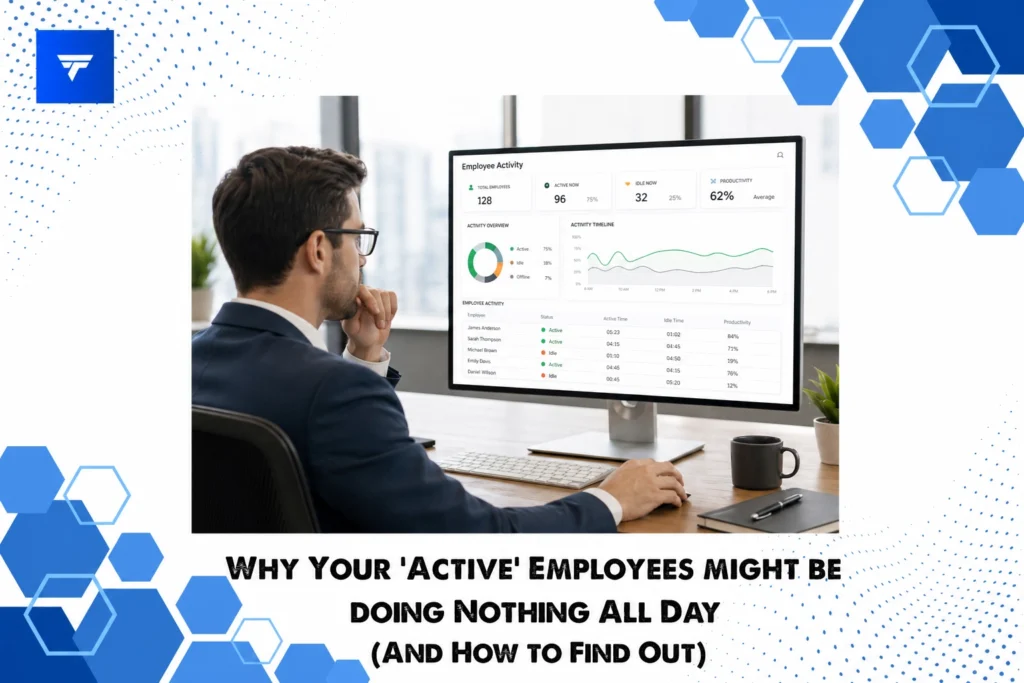
One strategy to address this issue is through effective employee monitoring. Tools like TrackForce offer comprehensive insights into employee activities, allowing managers to pinpoint where productivity slips through the cracks. Such tools provide a real-time dashboard and behavioral analytics to evaluate which areas need attention.
Types of Workplace Monitoring Widgets
TrackForce includes various widgets designed to enhance visibility into employee performance. Key widgets include app and website tracking, allowing managers to see which digital tools employees engage with during work hours. In addition, email and chat monitoring provides insights into communication patterns, ensuring they align with company objectives.
Another powerful feature is the smart behavior analytics widget, which identifies idle time and risky activities. This versatile toolset can be customized to fit the specific needs of different sectors, making it an essential component in managing both in-office and remote teams efficiently.
Pricing
The pricing for employee monitoring solutions such as TrackForce is typically subscription-based. TrackForce offers tiered plans starting with the Essential plan at $4.99/user/month, which includes dashboard access and productivity reports. The Professional plan at $9.99/user/month adds features like file transfer monitoring and keystroke logging. The Ultimate plan, priced at $12.99/user/month, provides advanced analytics and dedicated account management.
Why It Matters
In today’s business environment, maintaining a productive workforce is more critical than ever. The market is highly competitive, and organizations must maximize efficiency without sacrificing employee well-being. Tools like TrackForce are valuable because they provide the real-time data needed to manage teams proactively.
TrackForce stands out for its comprehensive feature set, integrating key monitoring capabilities with ease of use. Compared to other solutions, it offers customizable monitoring rules and role-based access, making it a flexible option for various business needs. The platform’s smart behavior analytics mean businesses can catch performance gaps early, potentially saving substantial time and resources.
How It Works
Getting started with a monitoring tool like TrackForce is straightforward. Once a company-wide policy is in place, managers can install the software across all company devices. The dashboard provides a centralized location to view key productivity metrics, such as time spent on different applications or inactive periods.
Managers can configure the tool to send alerts on potentially risky behaviors or performance issues. Regular assessments of this data empower managers to make informed decisions about reallocating tasks or recommending additional training where necessary. This proactive management approach helps in aligning employee activities with organizational goals.
Conclusion
Understanding why employees might be inactive despite appearing busy is crucial for operational efficiency. With tools like TrackForce, managers can gain critical insights into daily workflows, ensuring employees remain productive and engaged. Consider exploring how such a tool might benefit your organization.
FAQs
Can monitoring software invade employee privacy?
While monitoring tools offer extensive visibility, they respect employee privacy when used correctly. Implementing clear policies and ensuring transparency with employees about what is being monitored can help maintain trust and comply with legal standards.
Are these tools only effective for remote teams?
Not at all. While particularly useful for remote environments where visibility is limited, monitoring tools can enhance productivity in traditional office settings by providing a comprehensive overview of activity and time management.
How quickly can TrackForce be implemented?
TrackForce is designed for swift implementation. With clear organizational policies, most companies can start using the tool within a few days, depending on the scale of the deployment and specific customization needs.
Do employees resist monitoring tools?
Resistance can occur if monitoring practices are perceived as invasive. To mitigate this, involve employees in the process, explaining the benefits of improved productivity and how the data will be used to support their development rather than as a surveillance measure.
