
How to Set Up Employee Monitoring Software Without Destroying Team Trust
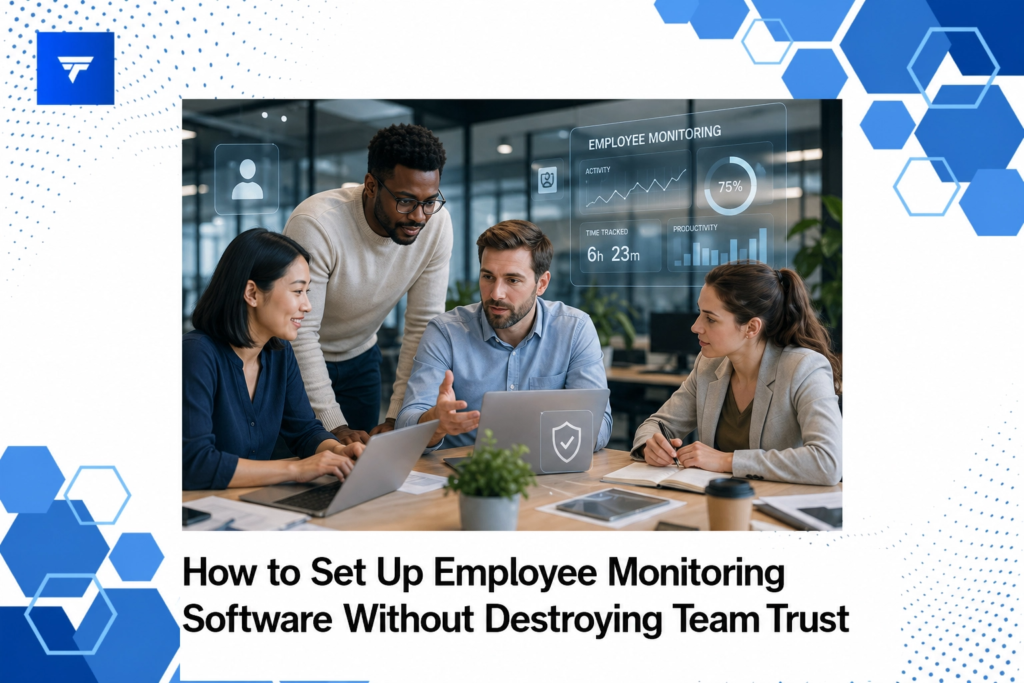
How to Set Up Employee Monitoring Software Without Destroying Team Trust
In an era where remote work is becoming the norm, employee monitoring software has grown significantly. According to recent studies, the use of such software has increased by over 50% since the start of remote work trends. Yet, implementing these solutions without eroding team trust is a challenge many organizations face. In this blog post, you’ll learn how to introduce employee monitoring software effectively, ensuring transparency and maintaining trust.
This guide covers what employee monitoring entails, steps to integrate systems ethically, and the importance of choosing the right tools. By the end, you’ll have a comprehensive understanding of how to structure and maintain a trusting workplace environment.
What Is Employee Monitoring?
Employee monitoring involves the use of software tools to track work activities, productivity, and employee performance. This practice supports organizations in safeguarding sensitive information, ensuring compliance, and understanding workforce dynamics. Typically, these tools track digital activity, such as app usage, internet browsing, and communication.
The rationale behind employee monitoring is to enhance productivity and security. When implemented with clarity and consent, it provides businesses with valuable insights into operational efficiencies and potential areas of risk. It is, however, essential to communicate intentions clearly to avoid ethical concerns and foster a cooperative work environment.
Setting Up Monitoring Systems Without Losing Trust
The key to setting up employee monitoring software while maintaining trust lies in transparency. Start by involving your team in the conversation. Explain the reasons behind the decision to monitor, focusing on how it benefits everyone by enhancing security and productivity. Remember, trust is built when employees understand that monitoring aims to improve and secure their workspace, not spy on them.
Choose software solutions that prioritize privacy and focus on aggregated data insights instead of intrusive surveillance. For example, TrackForce offers customizable monitoring rules that allow you to decide exactly what gets tracked. Learn more about how TrackForce can support a transparent monitoring approach on TrackForce’s official website.
Types of Monitoring Tools
There are various tools available, each offering different types of monitoring to suit organizational needs. Real-Time Dashboards provide instant access to live tracking and productivity graphs. These dashboards can help managers quickly identify workflow bottlenecks without delving into individual employee details.
App & Website Tracking is another essential feature, showing which applications and websites employees frequent during work hours. This does not mean constant surveillance; instead, it helps understand general productivity trends. Other available elements include Email & Chat Monitoring for compliance purposes and File Transfer Tracking to prevent unauthorized data leaks.
While some businesses might require Screen Recording for in-depth reviews, cautious communication around the intent of this feature can prevent misunderstandings. Smart Behavior Analytics can detect any risky activity, helping organizations proactively address potential concerns. Check out the widget features on TrackForce’s site for more detailed offerings.
Pricing
Pricing for employee monitoring software varies based on the features and scope required by an organization. TrackForce, for example, provides different pricing tiers that cater to various needs. The Essential Plan at $4.99/user/month covers basic dashboard access and productivity reports, while the Professional Plan at $9.99/user/month includes file transfer and communication monitoring.
For organizations needing advanced features, the Ultimate Plan at $12.99/user/month provides extensive analytics, custom restrictions, and dedicated account management. Clear pricing based on needs ensures organizations only pay for what they require, all while maintaining operational transparency.
Why It Matters
Employee monitoring is crucial in modern workplaces to maintain efficient remote operations and secure sensitive information. With remote work continuing to rise, businesses need visibility without intruding on privacy. Monitoring solutions like TrackForce offer insights that optimize operations while educating teams about compliance and productivity.
The market for employee monitoring software is expected to grow as business requirements evolve. Many organizations appreciate the safety and efficiency provided by these tools, reinforcing their use. TrackForce positions itself strongly by offering features that prioritize both transparency and control, setting it apart from more invasive alternatives.
Justifiably, organizations want to strike a balance between productivity tracking and employee empowerment. By crafting a culture of openness around monitoring systems, businesses leveraging TrackForce can facilitate trust-building within their teams.
How It Works
Implementing an employee monitoring tool like TrackForce begins with assessing your organizational needs. Start by determining what specific elements you need to track. Once identified, use TrackForce’s Real-Time Dashboard to observe activity and productivity in intuitive formats.
Setting up the system involves installing software onto company devices. TrackForce provides a supportive setup process that ensures integration is smooth. Training sessions can help employees understand the monitoring scope and its relevance to their roles.
Additionally, employing tools like Role-Based Access helps manage who within the organization can view or manage data. Building trust is a gradual process but showing how data leads to positive outcomes can boost acceptance. For more on system setup, visit TrackForce’s website.
Conclusion
Ensuring a transparent and trust-based implementation of employee monitoring tools like TrackForce can significantly benefit businesses and employees alike. For further guidance on starting with employee monitoring, the TrackForce website offers supportive resources.
FAQs
How can we ensure employee privacy with monitoring software?
To protect employee privacy, it is crucial to use monitoring tools that allow customizable tracking options. Clearly communicate with employees about what data will be collected and why. Avoid invasive practices like logging keystrokes or constant screen recording. It’s about finding a middle ground that supports security and respects privacy.
What are the legal considerations for employee monitoring?
Legal considerations vary by region, so familiarize yourself with local laws. Generally, informed consent is key. Employees should be made aware of monitoring practices and sign appropriate consent forms. Cross-reference any legal guidelines with your legal team to ensure compliance.
Can small businesses benefit from employee monitoring tools?
Yes, small businesses stand to benefit from monitoring tools just as much as large organizations. These tools provide insights into productivity and help secure sensitive data. Small businesses can choose tools that fit their specific budget and focus on the most impactful features relevant to their needs.
What should I do if an employee objects to being monitored?
If an employee raises concerns, engage them in a conversation about their fears and the purpose of monitoring. Providing reassurance and transparency can help alleviate concerns. Emphasize the supportive role of monitoring in fostering a secure and productive workplace, and be open to feedback.
