
Workforce Analytics With Audit-Ready Compliance Reporting: What to Look For (and Why Most Tools Fall Short)
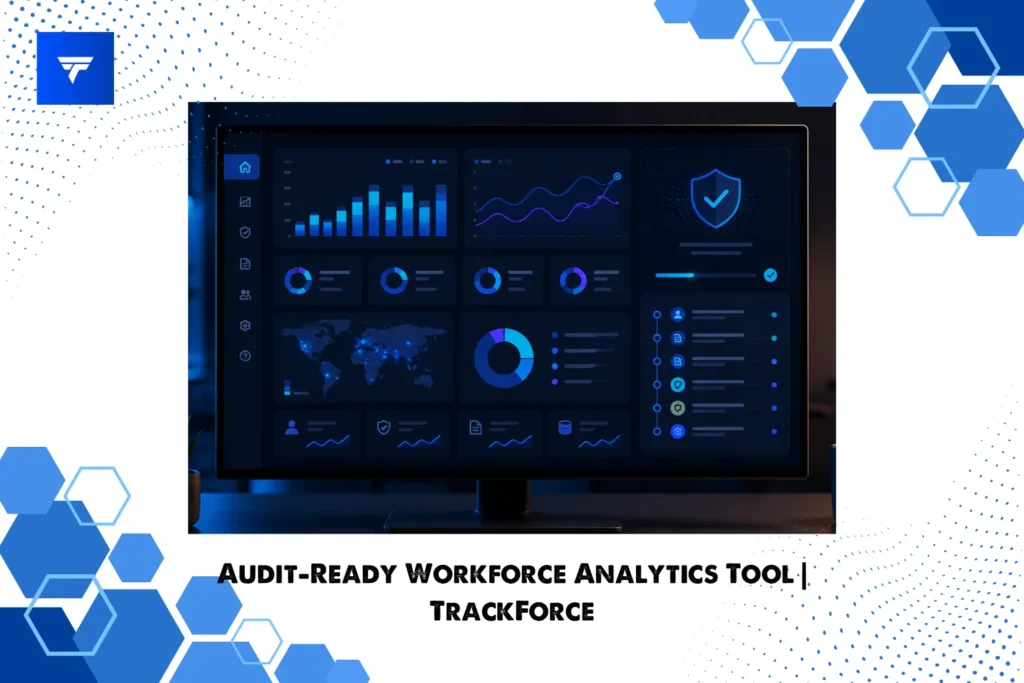
If you’re searching for a workforce analytics tool with audit-ready compliance reporting, you’ve probably already hit the wall that most teams hit: plenty of software can draw a pretty productivity dashboard, but far fewer can hand an auditor a defensible, timestamped record of who did what, when, and on which device.
A dashboard tells you a story. An audit trail proves it. The gap between those two things is exactly where compliance programs break down, and it’s the difference between “we think the team is productive” and “here is the evidence, organized by date, department, and user.”
This guide breaks down what “audit-ready” actually means in a workforce analytics context, the criteria to evaluate before you buy, and how the right platform serves HR, IT, security, compliance, and leadership from a single source of truth.
What “Audit-Ready Compliance Reporting” Actually Means
“Audit-ready” is one of those phrases vendors love and rarely define. At its core, it means your activity data is:
- Complete. It captures the full picture of work activity, not a sampled or selective slice.
- Attributable. Every record ties back to a specific employee, device, and timestamp.
- Tamper-evident and access-controlled. Only authorized roles can view or change data, and that access is itself governed.
- Exportable on demand. When HR, legal, or an external auditor asks, you can produce a clean report for a defined date range and scope in minutes, not weeks.
If a tool can show you a number but can’t show you the underlying evidence behind that number, it isn’t audit-ready. It’s a reporting toy.
Why Most Workforce Analytics Tools Fail the Audit Test
Most productivity tools were built to answer one question (“are people working?”) and stopped there. They surface aggregate scores and trend lines, but when scrutiny arrives, three weaknesses show up fast:
- No granular event trail. You see “8 hours active” but not the sequence of applications, files, and websites that produced it. Aggregate-only data is unfalsifiable, which is the opposite of what an audit needs.
- Flat or unclear access controls. When everyone with a login can see everything, you’ve created a privacy and compliance liability instead of solving one.
- Reports that can’t be scoped or exported cleanly. If you can’t filter by department, user, and date range and export the result, you’ll be rebuilding evidence by hand under deadline pressure.
The fix isn’t more dashboards. It’s analytics built on a foundation of evidence and governed access.
The Buyer’s Checklist: 6 Things Audit-Ready Workforce Analytics Must Have
Use this as a vendor scorecard. A genuinely audit-ready workforce analytics tool should check every box.
1. Immutable, timestamped activity logs
Look for detailed event records across applications, websites, searches, keystrokes, and on-screen activity, each stamped with employee name, role, date, and time. This is the raw evidence layer everything else rests on. TrackForce, for example, logs application windows, website visits with visit counts and duration, search keywords with the URLs accessed, and keystroke sequences, each with a per-entry detail view.
2. File activity and data-movement tracking
Data leaves organizations through files, so file-level visibility is non-negotiable for any data-security audit. The tool should record file creation, modification, and movement, with the employee, timestamp, event type, and file path for each action. TrackForce’s File Transfer module logs exactly this and offers a per-employee detail view, so unusual or unauthorized changes to sensitive files surface quickly instead of after the fact.
3. Role-based access control (RBAC) with defined scope
Who can see the monitoring data is itself a compliance question. A credible tool enforces a clear hierarchy (for instance, Super Admin, Admin, Manager, Team Lead, and Employee) where each role’s visibility is limited to its scope. A department manager should see only their department; a team lead only their team; an employee only their own profile. TrackForce ships with this hierarchy built in, which means access is governed by design rather than by goodwill.
4. Configurable monitoring and privacy controls
Audit-readiness and employee privacy are not opposites; done right, they reinforce each other. The platform should let administrators configure what is monitored, set tracking hours, and apply privacy exclusions, so your monitoring policy matches your legal and cultural obligations rather than a vendor’s defaults.
5. Reports you can scope, schedule, and export
This is where “analytics” becomes “compliance reporting.” You want daily, monthly, and exception-style reports filterable by employee, department, and date. TrackForce’s Reports module includes a Daily Work Load view, a Daily Report (work hours, active time, idle time and count), a Monthly Report (attendance, off days, absences, total hours), and a Risk User report that flags deviations such as missed hours, excessive breaks, or late logins using clear, color-coded indicators.
6. Device and asset visibility
Security audits increasingly ask about endpoints, not just people. A device inventory showing each registered machine (device name, OS, RAM, IP and MAC address, installed agent version, and CPU usage) closes the loop between user activity and the hardware it happened on. TrackForce’s Device List covers all of these fields.
One Tool, Four Stakeholders
A query about audit-ready reporting usually means several teams are involved. Here’s how the right platform speaks to each:
- HR and People Ops get defensible attendance, workload, and productivity records for performance reviews and disputes, backed by evidence rather than impressions.
- IT and Security get file-movement tracking, device inventory, and console-command visibility to spot risky or unauthorized activity early.
- Compliance and Legal get scoped, exportable reports and governed, role-based access that demonstrate control over sensitive monitoring data.
- Founders, executives, and SMB owners get a single dashboard that turns scattered activity into clear utilization and risk signals, plus the confidence that an audit won’t become a fire drill.
The value of a unified platform is that all four read from the same underlying records. No reconciling three exports that disagree.
How TrackForce Delivers Audit-Ready Workforce Analytics
TrackForce is an employee tracking and productivity platform built for both on-site and remote teams, combining real-time activity monitoring, time logging, and automated reporting in one dashboard. For audit-readiness specifically, the pieces fit together deliberately:
- A real-time dashboard summarizing web and app usage, active versus idle time, and per-employee activity ratings.
- A full monitoring suite (snapshots, screen records, file transfers, applications, websites, searches, keystrokes, and more) that forms the evidence layer.
- A reporting module that turns that evidence into daily, monthly, and risk-focused reports you can filter and review.
- Role-based access and configurable monitoring policies so the right people see the right data, and nothing more.
- A device list that ties activity to specific, identifiable endpoints.
Note for the TrackForce team: Insert your actual compliance posture here, e.g. specific data-protection frameworks supported (GDPR, SOC 2, ISO 27001), data residency, encryption, and retention settings. Pair this section with a customer logo or a quantified result (“reduced audit prep from 3 weeks to 2 days”) for stronger social proof. Avoid claiming certifications you don’t hold.
Frequently Asked Questions
What is audit-ready compliance reporting in workforce analytics? It’s the ability to produce complete, attributable, access-controlled, and exportable records of employee work activity, so you can demonstrate, with evidence, who did what and when, scoped to a specific date range, user, or department.
Is employee monitoring software compatible with employee privacy? Yes, when the tool offers configurable monitoring, defined tracking hours, privacy exclusions, and role-based access so data is collected proportionately and viewed only by authorized roles. Transparency with employees about what is tracked is also a best practice.
What reports should a workforce analytics tool produce for audits? At minimum: daily and monthly activity and attendance reports, exception or risk reports that flag deviations, and detailed event logs (files, applications, websites), all filterable by employee, department, and date, and exportable.
Does workforce analytics replace our compliance program? No. It supplies the evidence and controls that support your program. Your legal and compliance teams still define policy; the tool makes that policy demonstrable.
See Audit-Ready Reporting in Action
The fastest way to judge whether a workforce analytics tool is truly audit-ready is to ask it to produce a scoped report on the spot. Bring a real scenario (a department, a date range, a “show me the file activity for this user” request) and watch how quickly it answers.
Book a TrackForce demo and we’ll walk your HR, IT, compliance, and leadership stakeholders through the exact reports they’d need on audit day.
