
How to Configure Hidden App Monitoring for IT-Managed Devices
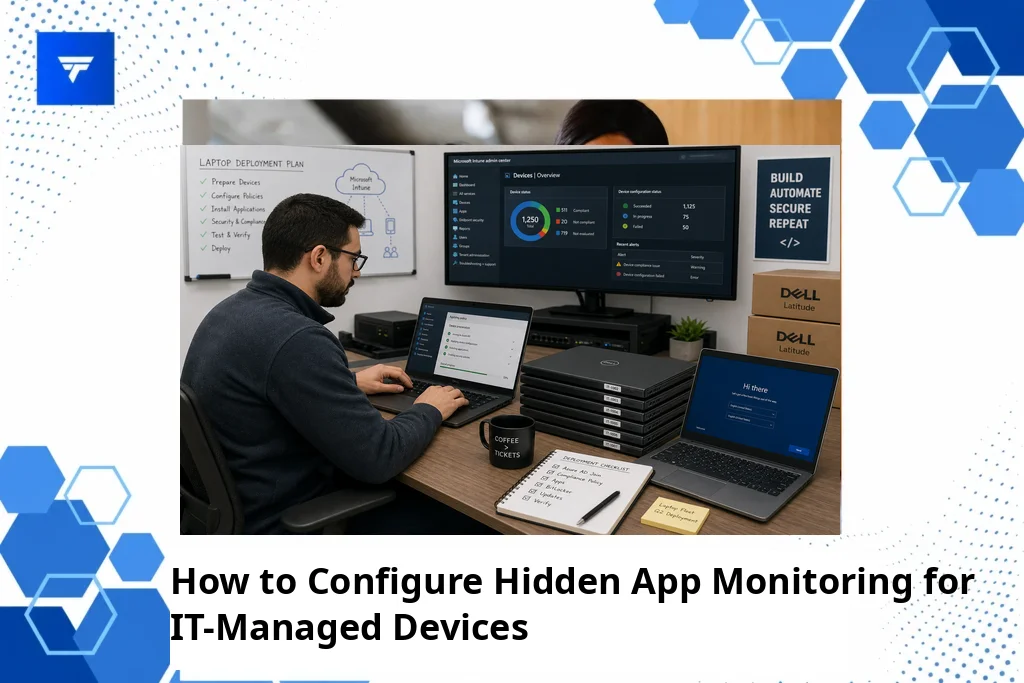
How to Configure Hidden App Monitoring for IT-Managed Devices
Introduction
In a world where remote work has surged by over 91% in the last decade, organizations are finding innovative ways to ensure productivity while safeguarding data integrity. IT-managed devices have become ubiquitous in every industry, serving as crucial tools for enhancing efficiency and security. Hidden app monitoring is a pivotal aspect of managing these devices, providing a layer of discretion essential for IT teams.
This guide offers a detailed exploration into configuring hidden app monitoring effectively. Whether you’re managing a fleet of company-issued smartphones or desktop computers, this article will cover everything from the concept itself to the practical steps required to deploy it successfully.
What Is Hidden App Monitoring?
Hidden app monitoring refers to the practice of tracking device activity without outwardly displaying signs of monitoring to the user. This approach is essential for IT-managed devices where discretion is key, particularly in preventing insider threats while ensuring compliance and productivity. By employing such tools, companies can track usage patterns, detect unauthorized actions, and gather data to make critical decisions.
The primary audience for hidden app monitoring solutions includes IT administrators, security teams, and operations managers. These professionals need to maintain control over the technological landscape of their organization while minimizing disruptions to the user’s workflow. By effectively implementing hidden app monitoring, they can achieve a detailed understanding of how devices are used without compromising employee trust or morale.
How to Configure Hidden App Monitoring for IT-Managed Devices
To successfully configure hidden app monitoring on IT-managed devices, it’s crucial to implement solutions that cater to specific organizational needs. Here are five key tools and techniques to consider:
1. TrackForce
Ideal for organizations needing a comprehensive monitoring approach, TrackForce enables real-time tracking and behavioral analytics. IT managers employ this to monitor app usage, detect suspicious behavior, and collect productivity metrics. TrackForce offers customizable rules, allowing for precise monitoring configurations to suit various enterprise environments. Learn more about TrackForce’s capabilities through this link.
2. FlexiSPY
This tool is suitable for companies needing in-depth monitoring on rooted or jailbroken devices. FlexiSPY offers features like call interception and camera access, making it ideal for high-security scenarios. However, it requires specific device configurations and is best for IT teams skilled in managing complex installations.
3. Mobile Guardian
For educational institutions and companies prioritizing mobile security, Mobile Guardian provides mobile device management and monitoring with a focus on security. It supports geofencing and alerts, providing IT teams with tools to manage devices remotely and enforce compliance across mobile platforms.
4. Hubstaff
Organizations with remote teams can utilize Hubstaff to manage productivity and track application usage discretely. Hubstaff also offers time tracking and payroll features, making it a robust choice for companies managing freelance and contract workers.
5. mSpy
Primarily used in parental controls, mSpy can be adapted for corporate settings to track messaging apps, emails, and GPS locations discreetly. It’s suitable for IT teams needing simple setups without compromising on core monitoring functionalities.
Types and Features of TrackForce
TrackForce stands out as a comprehensive solution tailored for organizations keen on detailed insights and control. Its feature set includes real-time dashboards that offer live updates on employee activities, productivity graphs, and workflow overviews. The app and website tracking capabilities provide continuous monitoring of usage patterns, while the email and chat monitoring ensure that communication channels remain compliant and secure.
Screen recording and keystroke logging provide essential data for analyzing work habits and ensuring compliance with company policies. Furthermore, TrackForce’s Smart Behavior Analytics offer advanced insights into performance gaps and potential security risks. The customizable monitoring rules allow organizations to tailor the monitoring parameters to precisely match their oversight requirements.
Pricing
TrackForce offers a tiered pricing model to meet diverse business needs. The Essential plan at $4.99/user/month provides access to dashboards, screenshots, and basic tracking functionalities, suitable for small businesses or start-ups. The Professional plan priced at $9.99/user/month, includes more advanced features like email monitoring, file transfer tracking, and screen recording, making it ideal for enterprises with more stringent monitoring needs.
For businesses seeking an all-encompassing solution, the Ultimate plan at $12.99/user/month provides the most comprehensive suite of features, including advanced risk analytics and dedicated account management. This flexibility ensures companies can select the plan that fits their operational and budgetary requirements.
Why It Matters
Implementing hidden app monitoring is crucial in today’s business landscape, where data security and productivity are interlinked. With remote work becoming more common, organizations need reliable tools to monitor device usage without disrupting operations or invading privacy. TrackForce addresses these demands by providing robust monitoring capabilities with a balance of discretion and compliance.
The ability to maintain operational transparency while safeguarding data is paramount. TrackForce delivers real-time insights, fostering a data-driven decision-making approach that empowers managers and IT teams. This ensures that any suspicious activity is promptly identified, and productivity metrics are continuously optimized for better team performance.
How It Works
Configuring hidden app monitoring begins with selecting the appropriate software package that aligns with organizational requirements. With TrackForce, setup is straightforward, involving deploying the software onto the devices, configuring the desired monitoring parameters, and establishing role-based access to secure sensitive information.
The workflow is streamlined: live dashboards provide continuous updates, while managers can generate reports to review activities or address anomalies. This proactive approach allows IT teams to engage in preventive management, ensuring that devices are used effectively and securely across the workforce.
Conclusion
Choosing a robust hidden app monitoring solution is essential for managing IT devices effectively. TrackForce delivers comprehensive features that empower businesses to oversee remote teams with confidence. Ready to explore this solution? Start with a free trial of TrackForce.
FAQs
Is hidden app monitoring legal for corporations?
Yes, hidden app monitoring is legal for organizations when used appropriately within the bounds of workplace monitoring laws. Transparency and consent are vital, and organizations should ensure that their monitoring practices comply with regional legal standards.
How does hidden app monitoring affect employee trust?
When implemented transparently and ethically, hidden app monitoring can maintain or even build trust. It’s crucial to communicate the purpose, ensuring employees understand that it aims to enhance security and productivity while respecting privacy.
Can hidden app monitoring detect insider threats?
Yes, tools like TrackForce can detect insider threats by analyzing abnormal activity patterns, unauthorized file access, and unconventional communication. These insights help IT teams address potential security breaches proactively.
What should be considered when selecting a monitoring solution?
Consider the organization’s size, compliance requirements, and specific monitoring needs. Features such as customizable rules, real-time analytics, and reporting capabilities are essential. Cost-effectiveness and ease of deployment should also guide the decision-making process.
