
TrackForce vs Time Doctor: Which Employee Monitoring Software Is Right for Your Business? (2026)
Introduction
Choosing the right employee monitoring software is one of the most important decisions an HR manager, IT administrator, or business owner can make. The wrong tool means blind spots in productivity, security risks, and wasted investment.
Two names dominate the conversation in 2026: TrackForce and Time Doctor. Both track employee activity, generate reports, and help managers understand how work is actually happening. But they take very different approaches – and for very different types of organizations.
This page gives you a complete, honest, side-by-side comparison of TrackForce and Time Doctor so you can make the right call for your team.
Quick Verdict
| TrackForce | Time Doctor | |
| Best for | Deep surveillance & high-oversight environments | Remote/hybrid productivity management |
| Monitoring depth | ⭐⭐⭐⭐⭐ | ⭐⭐⭐ |
| Productivity tools | ⭐⭐⭐ | ⭐⭐⭐⭐⭐ |
| Integrations | Limited | 60+ (Slack, Jira, Asana) |
| Payroll | ✕ | ✓ |
| AI analytics | ✕ | ✓ (2026) |
| Pricing transparency | From $4.99/user/month | From $6.70/user/month |
| Free trial | Free trial available | 14-day free trial |
Bottom line: TrackForce outperforms Time Doctor in raw monitoring capability – screen recordings, keystroke logging, file transfer tracking, console commands, and more. For organizations that need deep oversight and accountability, TrackForce is the stronger choice.
What Is TrackForce?
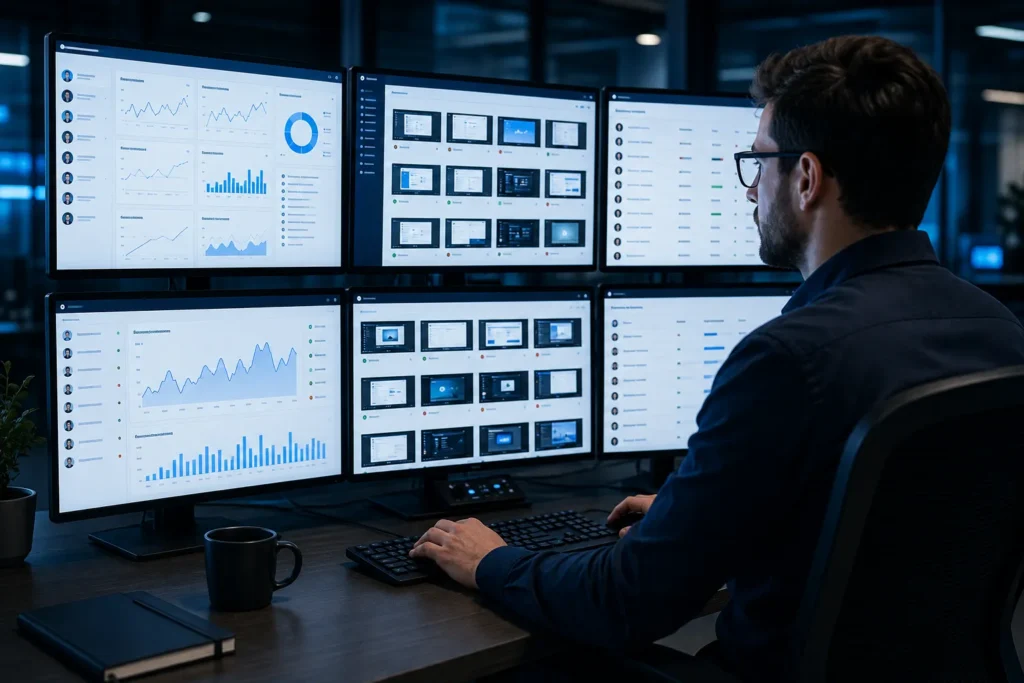
TrackForce is an intelligent employee tracking and productivity management platform built by Akij iBOS Limited. It is designed for organizations that require real-time visibility into employee behavior – covering both on-site and remote teams.
TrackForce’s core strength is its comprehensive surveillance stack. From screen snapshots and video recordings to full keystroke capture, file transfer logs, and console command monitoring, it gives administrators a complete picture of what is happening on every managed device at every point in the workday.
It supports three installation modes – a hidden (stealth) app, a passwordless link-based app, and a login-based app – making it highly flexible for different deployment environments.
TrackForce is ideal for:
- Enterprises that need deep employee oversight
- IT teams managing large fleets of company devices
- HR departments tracking attendance, risk behavior, and productivity
- Organizations in regulated industries requiring activity audit trails
What Is Time Doctor?
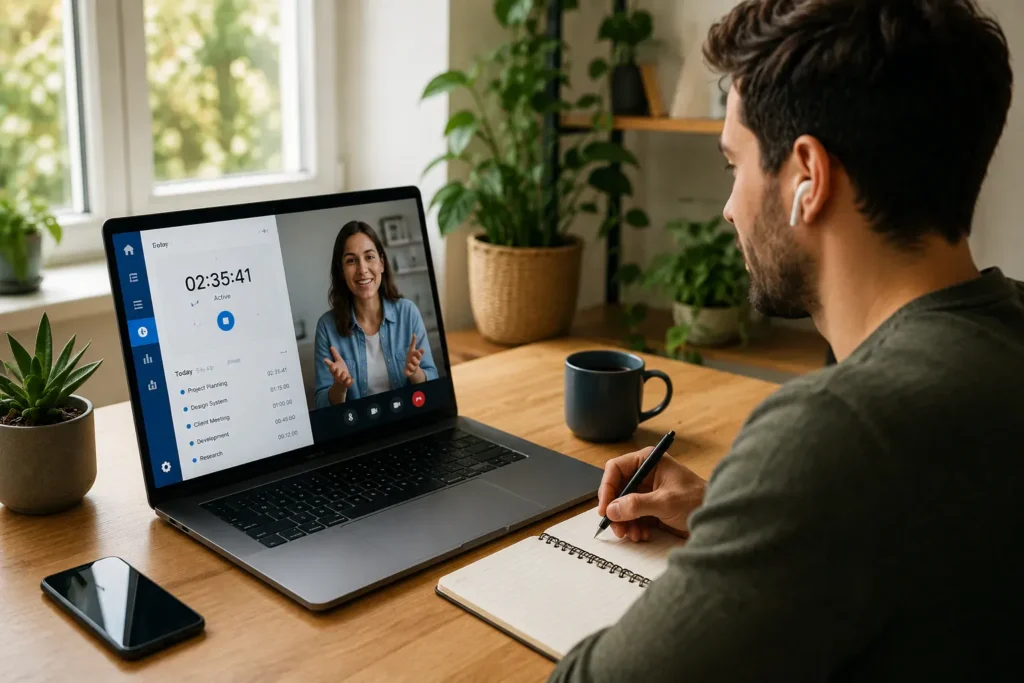
Time Doctor is a time tracking and workforce productivity platform that has been operating since 2012. It is widely used by remote teams, BPOs, freelancers, and client-facing agencies around the world.
Time Doctor’s strengths lie in productivity management rather than surveillance depth. It offers real-time distraction alerts, payroll processing, client billing, and over 60 integrations with tools like Slack, Asana, Jira, and ClickUp. In 2026, it added AI-powered predictive analytics, including fatigue warnings and productivity benchmarks.
Time Doctor is ideal for:
- Remote-first or hybrid teams spread across time zones
- BPOs and agencies that bill clients by the hour
- Companies that want productivity nudges rather than surveillance
- Teams that rely on project management tools like Asana or Jira
Feature-by-Feature Comparison
1. Screen Monitoring
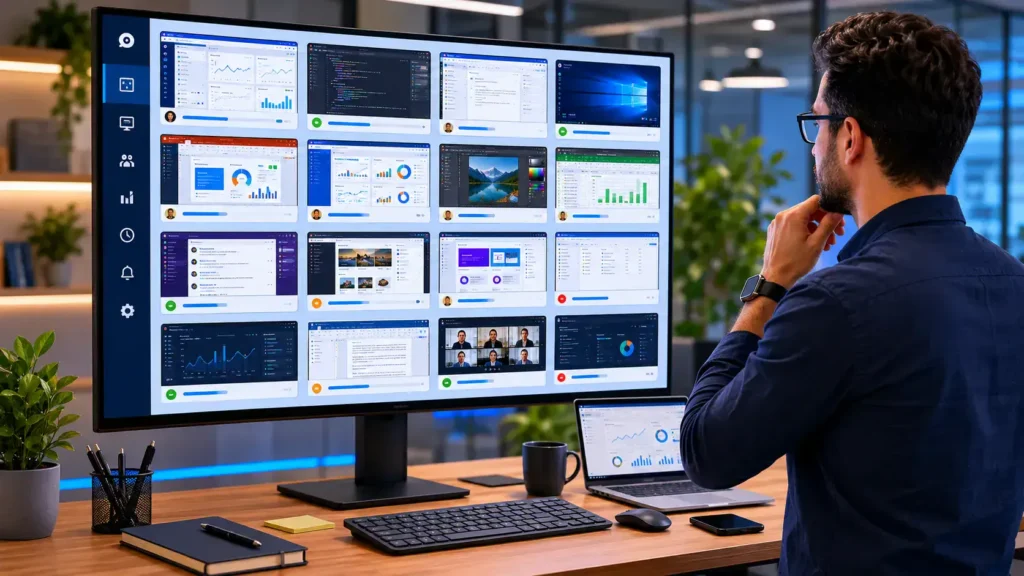
Both tools capture employee screens, but TrackForce goes significantly further.
TrackForce offers periodic screenshot snapshots grouped by time slot, full desktop video recordings grouped by hour, and a grid view that lets managers review all employees at a glance. Screenshots are categorized and filterable by employee, department, and date range.
Time Doctor takes periodic screenshots at configurable intervals and also supports screen recordings on select plans. The focus is on verifying task engagement rather than comprehensive behavioral capture.
Winner: TrackForce – video recordings, grid snapshot view, and deeper visual coverage.
2. Keystroke Logging

TrackForce captures exact key sequences – LeftCtrl, LeftShift, Space, Enter, Backspace, and all typed characters – logged per employee with timestamps. Admins can click into full keystroke detail views, making it possible to reconstruct typed content.
Time Doctor tracks mouse and keyboard activity levels (active/inactive percentages) but does not capture actual key sequences or typed text.
Winner: TrackForce – full keystroke capture vs. activity-level tracking only.
3. Application & Website Tracking
Both tools log which apps and websites employees use during work hours.
TrackForce records the exact window name, application, duration, and timestamp – and includes a filterable details view per employee. It also tracks visit counts and time-on-site for every website visited.
Time Doctor logs app and URL usage and categorizes them as productive or unproductive. It also sends real-time distraction alerts when employees visit non-work sites during working hours – a feature TrackForce currently lacks.
Winner: Tie – TrackForce wins on data granularity; Time Doctor wins on real-time behavioral intervention.
4. File Transfer Monitoring
TrackForce tracks all file system events – file creation, modification, and movement – with employee name, timestamp, event type, and full file path. This helps organizations detect unauthorized data movement, identify compliance risks, and investigate security incidents.
Time Doctor does not offer file transfer monitoring.
Winner: TrackForce – unique capability not available in Time Doctor.
5. Search & Communication Monitoring
TrackForce logs employee search queries with the exact keyword and URLs accessed, monitors instant messaging sessions via AI-analyzed screenshots, captures online meeting activity with synchronized timestamps, and even detects social media usage from screenshots.
Time Doctor does not offer search query logging, IM capture, or meeting monitoring at this level.
Winner: TrackForce – significantly deeper communication and browsing intelligence.
6. Console Command Capture
TrackForce captures terminal and command-line commands executed by employees on their desktops – an important feature for organizations managing developer or IT teams where system-level commands may pose security risks.
Time Doctor does not offer this capability.
Winner: TrackForce – exclusive feature for tech-heavy environments.
7. Productivity Reports
TrackForce generates daily workload reports (total work hours, active time, utilization rate), daily reports (work hours, active time, productive time), and monthly reports (attendance, worked days, off days, absences). It also flags risk users based on late logins, missed hours, and break patterns using a color-coded compliance system.
Time Doctor offers similar daily and monthly reports plus client-level billing reports, productivity benchmarking across teams, and – in 2026 – AI-driven fatigue warnings and predictive analytics.
Winner: Time Doctor – more advanced analytics, AI features, and client billing support.
8. Device Management
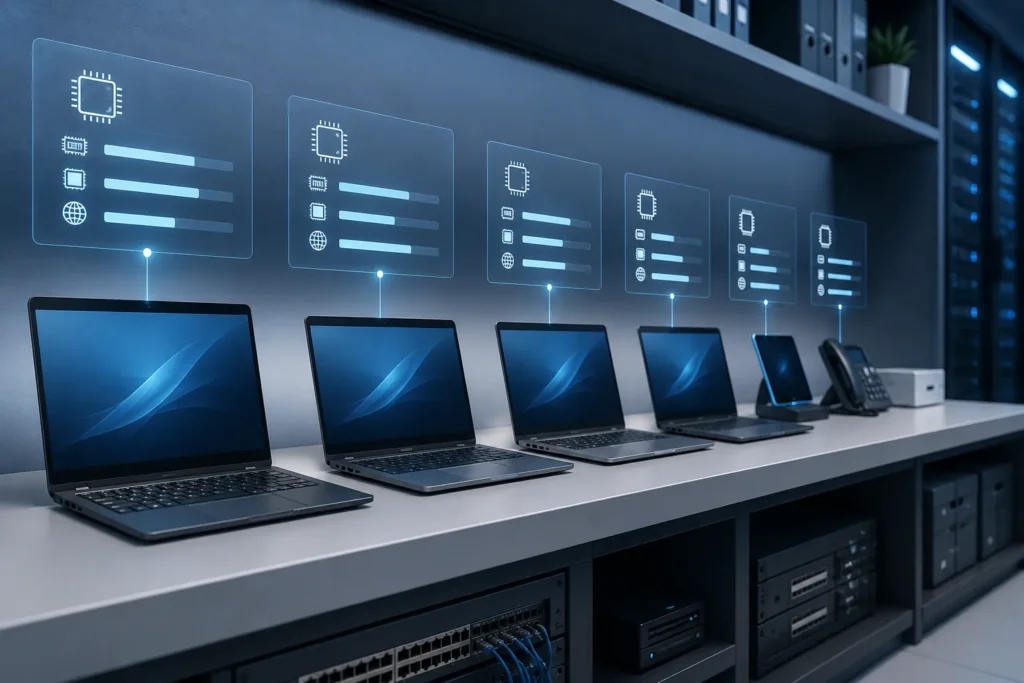
TrackForce includes a dedicated Device List page that records every registered employee device with RAM size and usage, CPU usage percentage, IP address, MAC address, operating system, installed TrackForce agent version, and last session timestamp. This makes it a practical asset management tool in addition to a monitoring platform.
Time Doctor does not offer hardware-level device management.
Winner: TrackForce – enterprise-grade device visibility built in.
9. Role-Based Access Control
TrackForce has a five-tier access hierarchy: Super Admin → Admin → Manager → Team Lead → Employee, each with strictly defined module access and data visibility scopes.
Time Doctor offers admin, manager, and team-level roles with configurable permissions.
Winner: TrackForce – more granular role structure with clearly defined scopes per level.
10. Integrations & Ecosystem
TrackForce does not currently list third-party integrations in its feature set. It operates as a standalone platform.
Time Doctor integrates with 60+ tools including Slack, Asana, Trello, Jira, ClickUp, Monday.com, QuickBooks, and Zapier – making it easy to embed into existing workflows.
Winner: Time Doctor – far superior integration ecosystem.
11. Payroll & Billing
TrackForce does not currently offer built-in payroll processing.
Time Doctor automates payroll based on tracked hours and supports client billing and invoicing – particularly valuable for agencies and BPOs.
Winner: Time Doctor – essential for agencies, freelancers, and hourly billing environments.
12. Mobile App
TrackForce is primarily a desktop platform. A mobile app is not documented in its current feature set.
Time Doctor offers iOS and Android apps (with some feature limitations), plus a Chrome browser extension.
Winner: Time Doctor – essential for remote or field-based teams.
13. Installation Flexibility
TrackForce offers three deployment modes:
- Hidden App – installs silently with no visible icon, runs at system startup, monitoring is fully invisible to the employee
- Passwordless App – deployed via one-time email link, auto-identifies employee by ID, no password required
- Login-Based App – standard credential-based login with a visible interface
Time Doctor supports standard login and a silent monitoring mode, but does not offer a passwordless link-based deployment option.
Winner: TrackForce – more flexible installation for diverse enterprise deployment scenarios.
14. Pricing
TrackForce offers three clearly defined plans, making it more affordable than Time Doctor at every tier.
| Plan | TrackForce | Time Doctor |
| Essential | $4.99/user/month | $6.70/user/month (annual) |
| Professional | $14.99/user/month | $11.70/user/month (annual) |
| Custom / Enterprise | Yearly billing, 10-30% discount based on size | $16.70/user/month (annual) |
| Free trial | Free trial available | 14-day free trial |
TrackForce Essential Plan ($4.99/user/month) includes Screenshots, App Tracking, Website Tracking, Searches Tracking, Reports (Daily/Monthly), Role Hierarchy, Org-level Configuration, Device List Info, and Meetings Monitoring.
TrackForce Professional Plan ($14.99/user/month) adds File Transfer Tracking, Risk User Report, HeatMap, Context Switching, Keystroke Logging, Screen Recording, Social Media Monitoring, Email Monitoring, IM (Chat) Monitoring, Console Command Monitoring, App Block, and Web Block.
TrackForce Custom Plan is billed yearly with a 10-30% discount based on organization size and includes everything from Essential or Professional plus plan customization, custom feature development, 24/7 priority support, dedicated onboarding and setup assistance, custom reports and dashboards, and custom monitoring rules and policies.
At $4.99/user/month, TrackForce’s Essential Plan is significantly more affordable than Time Doctor’s entry-level plan, making it an excellent choice for cost-conscious organizations that still need robust monitoring.
Who Should Choose TrackForce?
TrackForce is the right choice if your organization needs:
- Deep, granular monitoring – keystrokes, file events, console commands, IM capture
- Full screen recording with hourly-grouped video evidence
- Device inventory management alongside activity tracking
- Flexible silent installation including hidden/stealth and passwordless modes
- Strict role-based access with a five-tier hierarchy
- Risk user identification based on attendance and behavior flags
- Local language support including Bangla for South Asian enterprises
- Affordable entry pricing starting at just $4.99/user/month
- A single platform for monitoring without depending on third-party integrations
TrackForce is especially well-suited for enterprises, regulated industries, government organizations, and IT-managed corporate environments where accountability and security audit trails are essential.
Who Should Choose Time Doctor?
Time Doctor is the better fit if your organization needs:
- Real-time distraction alerts to nudge employees during the workday
- Payroll automation integrated with time tracking data
- Client billing and invoicing based on tracked hours
- 60+ integrations with project management and communication tools
- AI-powered analytics including fatigue prediction and performance benchmarking
- Mobile app access for iOS and Android
- A transparent pricing model with a self-service free trial
Time Doctor works best for remote teams, BPOs, freelance agencies, and hybrid workplaces where productivity coaching matters more than deep surveillance.
TrackForce vs Time Doctor: Summary Comparison Table
| Feature | TrackForce | Time Doctor |
| Screenshots | ✓ | ✓ |
| Screen recording | ✓ | ✓ (select plans) |
| Keystroke logging (full) | ✓ | ✕ |
| App usage tracking | ✓ | ✓ |
| Website tracking | ✓ | ✓ |
| Real-time distraction alerts | ✕ | ✓ |
| Search query logging | ✓ | ✕ |
| File transfer monitoring | ✓ | ✕ |
| IM / chat capture | ✓ | ✕ |
| Online meeting monitoring | ✓ | ✕ |
| Console command logging | ✓ | ✕ |
| Daily / monthly reports | ✓ | ✓ |
| Risk user report | ✓ | Add-on |
| AI analytics | ✕ | ✓ (2026) |
| Payroll integration | ✕ | ✓ |
| Client billing | ✕ | ✓ |
| Device management | ✓ | ✕ |
| 5-tier role management | ✓ | ✕ |
| Hidden installation mode | ✓ | ✓ |
| Passwordless install | ✓ | ✕ |
| Mobile app | ✕ | ✓ |
| Third-party integrations | Limited | 60+ |
| Free trial | Free trial available | 14-day free trial |
Frequently Asked Questions
Is TrackForce better than Time Doctor?
For organizations that need comprehensive, deep-level employee monitoring – including keystroke logging, file transfer tracking, console command capture, and IM analysis – TrackForce offers capabilities that go well beyond what Time Doctor provides. If deep oversight and security accountability are priorities, TrackForce is the stronger platform.
Does TrackForce work for remote teams?
Yes. TrackForce supports both on-site and remote team monitoring through its cloud-based admin portal. All monitoring data is accessible from a central web dashboard regardless of where the employee is working.
Does Time Doctor log keystrokes?
No. Time Doctor tracks keyboard and mouse activity levels (active vs. inactive) but does not capture actual key sequences or typed content. TrackForce provides full keystroke sequence logging with timestamps and a detail view per employee.
Can TrackForce run invisibly on employee devices?
Yes. TrackForce offers a Hidden App installation mode that runs silently in the background with no visible desktop icon or user interface. Monitoring begins automatically when the device starts up.
Which tool is better for large enterprises?
TrackForce is better suited for large enterprises that require granular security monitoring, device management, multi-tier role access, and compliance audit trails. Time Doctor is more suitable for enterprises with distributed remote teams that prioritize productivity analytics over deep surveillance.
Does TrackForce integrate with Slack or Jira?
TrackForce currently functions as a standalone platform and does not list third-party integrations in its documented feature set. If deep tool integration is a priority, Time Doctor’s 60+ integrations ecosystem offers a wider range of connectivity.
How much does TrackForce cost compared to Time Doctor?
TrackForce is more affordable at the entry level. The Essential Plan starts at $4.99/user/month, which is cheaper than Time Doctor’s starting price of $6.70/user/month. The Professional Plan at $14.99/user/month unlocks the full surveillance stack including keystroke logging, screen recording, and file transfer tracking. For larger organizations, the Custom Plan offers yearly billing with a 10-30% discount based on team size.
Final Verdict: TrackForce Is the Smarter Choice for Serious Monitoring

When it comes to raw monitoring power, TrackForce wins decisively. No other platform in its class offers the same combination of full keystroke capture, file transfer tracking, console command logging, IM analysis, meeting monitoring, and device hardware management – all within a single dashboard.
And the pricing makes it even more compelling. TrackForce’s Essential Plan starts at just $4.99/user/month – nearly 25% cheaper than Time Doctor’s entry-level plan. For teams that need the full surveillance stack, the Professional Plan at $14.99/user/month delivers capabilities that Time Doctor simply cannot match at any price tier.
Time Doctor is a well-built productivity tool for remote teams. But for HR managers, IT administrators, and executives who need real accountability – not just productivity nudges – TrackForce gives you the complete picture at a better price.
If you are serious about workforce transparency, security compliance, and data-driven performance management, TrackForce is the platform built for that mission.
Try TrackForce Today
See why enterprises choose TrackForce over Time Doctor for deep, reliable employee monitoring.
Book a Free Demo – Our team will walk you through the full platform and customize a plan for your organization’s size and requirements.
No commitment. No credit card. Just a live walkthrough of TrackForce built around your team’s needs.
