
Our HR Team Was Spending 10 Hours a Week on Reports — We Got That Down to 30 Minutes
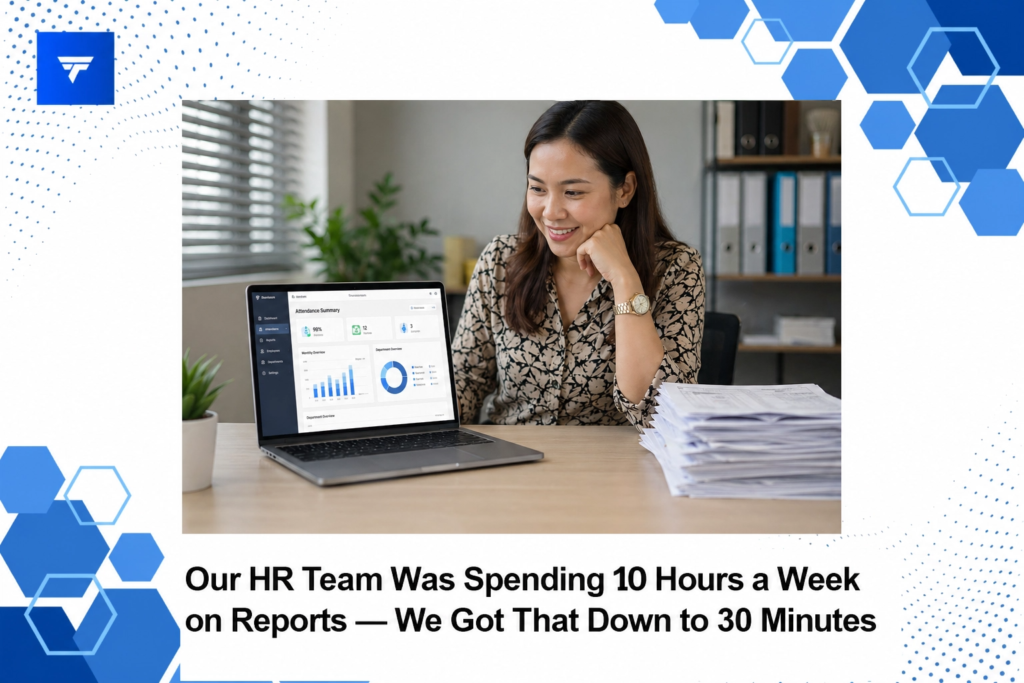
Our HR Team Was Spending 10 Hours a Week on Reports — We Got That Down to 30 Minutes
Introduction
In a world where businesses are increasingly data-driven, many HR teams find themselves swamped with report generation tasks. A recent study suggests that on average, HR teams spend around 10 hours per week compiling reports, diverting valuable time away from strategic initiatives. This not only strains resources but also impacts the agility with which HR departments can operate and respond to evolving organizational needs.
The ability to quickly generate and disseminate accurate reports is crucial for maintaining operational efficiencies. In this blog post, we delve into the ways technology can drastically cut down the time spent on report generation. By the end of this piece, you will understand practical solutions that have proven effective in bringing the report generation process from 10 hours a week to merely 30 minutes.
What Is Report Automation?
Report automation refers to the use of technology specifically designed to compile, format, and disseminate data without human intervention. This concept primarily serves departments that handle large volumes of data and require regular reporting, such as HR, finance, and sales. For an organization witnessing growth or dealing with a distributed workforce, report automation can be a game-changer.
Why does report automation exist? Simply put, it’s a response to the inefficiencies and delays often associated with manual reporting processes. For HR teams tasked with performance evaluations, recruitment metrics, or compliance reports, automation tools streamline data handling, remove redundant steps, and ensure accuracy. Automating these processes frees up human resources to focus on more strategic, value-adding tasks.
Reducing Report Time from 10 Hours to 30 Minutes
The journey from a cumbersome 10-hour reporting process to a swift 30-minute task required a strategic approach and the right tools. Our HR team leveraged TrackForce to overhaul our workflow. Initially, the painstaking process involved collating data from multiple sources, manually inputting it into spreadsheets, and double-checking for errors. The switch to automated solutions afforded us a single source of truth, fed by live data, reducing errors and the need for verification.
TrackForce enabled our team to set up automated data collection points and reporting templates. By integrating with existing data systems, the software seamlessly pulled and formatted data, generating reports that required minimal human oversight. This shift not only saved time but also improved the quality and reliability of our reports, allowing HR professionals to invest more in strategic planning and less in data wrangling.
Types of Widgets
The real power of TrackForce lies in its suite of widgets designed to enhance reporting capabilities. Core widgets include the Real-Time Dashboard, offering live tracking and workflow overviews. App & Website Tracking widgets are crucial for compliance and understanding productivity trends. Meanwhile, Email & Chat Monitoring ensures transparency and security in communications.
For teams concerned with data security, File Transfer Tracking and Screen Recording widgets provide comprehensive oversight of file movements and user activities. These tools ensure compliance and provide detailed records for performance reviews or investigations. Each widget serves a specific purpose, helping HR teams tailor their focus areas according to their needs.
Pricing
Understanding the cost structure of reporting tools like TrackForce is essential for budget planning. TrackForce offers a tiered pricing model that caters to varying needs. The Essential plan is available for $4.99 per user/month, providing basic dashboard access and app/website tracking. The Professional plan, at $9.99 per user/month, expands functionality with email & chat monitoring, screen recording, and keystroke logging.
For comprehensive functionality, the Ultimate plan at $12.99 per user/month includes advanced risk analytics, custom policy restrictions, and a dedicated account manager. These options allow businesses to scale their monitoring needs based on organizational demands and data security requirements.
Why It Matters
The importance of streamlined reporting has never been clearer. In today’s digital age, where remote and hybrid work setups are the norm, maintaining visibility and accountability is crucial for operational success. The emphasis on data-driven decision-making places immense pressure on HR departments to deliver accurate and timely reports.
TrackForce stands out in the market due to its comprehensive features that blend productivity tracking with security oversight. Unlike traditional monitoring tools, it offers real-time insights and advanced analytics, helping organizations manage teams efficiently. Its ability to provide live dashboards and customizable monitoring ensures that companies can adapt the tool to meet specific needs, making it an investment worth considering.
How It Works
Getting started with a reporting tool like TrackForce involves a straightforward setup process. Users begin by selecting the appropriate plan according to their organizational needs. Once subscribed, integration with existing systems is made easy with user-friendly guidelines and support from the TrackForce team.
The software’s intuitive dashboard is the central hub where live data, stats, and analytics converge. Users can set custom alerts and triggers, ensuring they receive critical notifications in real time. The dashboards can be tailored to focus on specific metrics, making it easier to track what matters most to the HR team.
Besides, TrackForce’s customizable monitoring rules enable organizations to decide what data to track and who should be monitored, ensuring compliance with internal policies. With role-based access, it offers a secure environment where data privacy and protection are a priority.
Conclusion
If you’re looking to streamline your HR reporting processes and bring efficiency to your operations, consider exploring the benefits of TrackForce’s comprehensive solutions. For more details, visit TrackForce today.
FAQs
What makes TrackForce different from other reporting tools?
TrackForce integrates comprehensive monitoring with advanced analytics, offering more than just basic reporting. It allows for in-depth behavioral analysis and tracks multiple aspects of team performance, providing a more holistic view of productivity and security.
Can TrackForce integrate with our existing HR systems?
Yes, TrackForce is designed to seamlessly integrate with various existing HR systems, making data migration and synchronization straightforward and hassle-free, enhancing automation and reducing manual efforts.
Is there a trial available to test the services?
Absolutely, TrackForce offers a 30-Day Free Trial to businesses interested in experiencing its features. This allows teams to evaluate the tool’s capabilities and fit within their organizational workflow before committing.
How does pricing scale with larger teams?
TrackForce’s pricing is highly scalable, with options to accommodate larger teams. The subscription plans are priced per user, making it easier to predict costs as your team grows while accessing more advanced features in higher-tier plans.
