
I Thought My Team Was Productive Until I Saw the Idle Time Reports
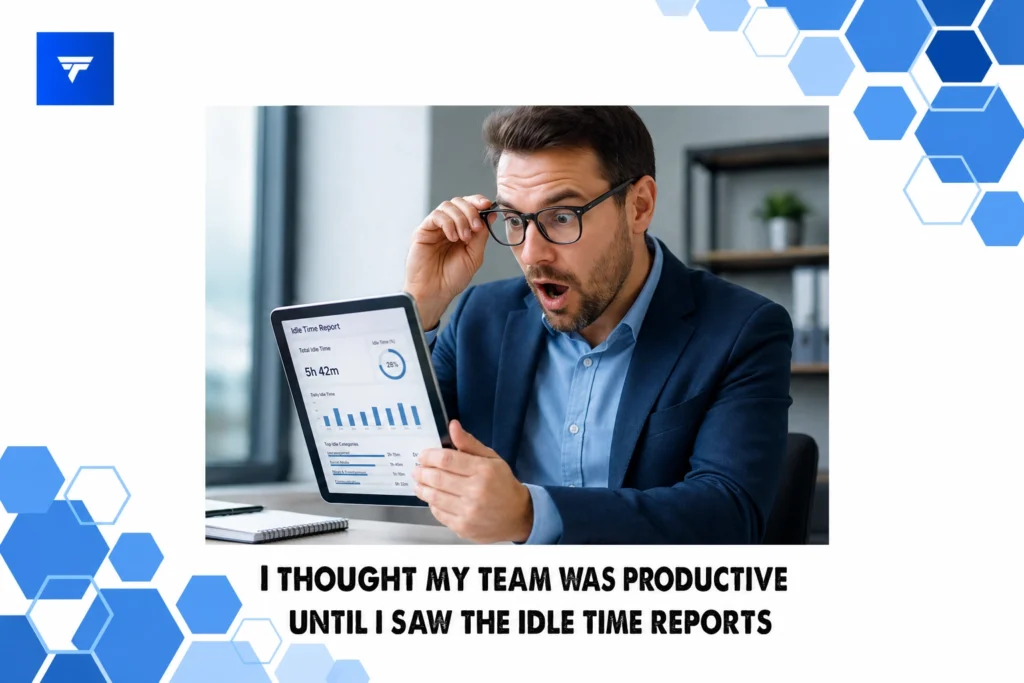
I Thought My Team Was Productive Until I Saw the Idle Time Reports
Introduction
In today’s business environment, teams often appear productive on the surface, yet when analyzing in-depth reports, a different picture may emerge. According to market insights, many businesses have experienced up to 25% unproductive work time, impacting overall efficiency. This gap highlights a need for businesses to delve deeper into workforce analytics to truly understand productivity levels.
This blog post will explore the concept of idle time, how to interpret and address it effectively, and why understanding it can significantly change how you perceive productivity within your team. You’ll gain insights into various tools and strategies, including how TrackForce’s comprehensive monitoring software can aid in this endeavor.
What Is Idle Time?
Idle time refers to periods when employees are not actively working or producing output. This might occur due to several factors, such as waiting for resources, technical downtime, or even extended breaks. While some idle time is inevitable, excessive amounts can indicate underlying inefficiencies within the team.
Understanding why idle time exists is crucial for leaders wanting to enhance team performance. It serves not only as a metric of inactivity but also as a diagnostic tool that can reveal deeper issues related to workflow bottlenecks, outdated processes, or mismatched resource allocation. For individuals managing remote or hybrid teams, monitoring idle time has become more pertinent given the decreased physical oversight.
A Deep Dive into Idle Time Reports
Idle time reports are detailed analytics that break down the periods when employees are not actively engaged in tasks. When harnessed correctly, these reports can provide profound insights into workflow efficiencies and potential areas for improvement. For instance, a high idle percentage in a particular department might suggest the need for process optimization or additional training.
Utilizing tools like TrackForce can assist in this process by providing real-time visibility into how time is spent across activities. The features of TrackForce include app and website tracking, ensuring you’re aware of non-productive behavior that could be contributing to this idle time. These insights can inform decisions that enhance productivity and accountability.
Types of Monitoring Widgets
TrackForce offers a variety of widgets to facilitate effective workforce monitoring. These tools are designed to provide comprehensive insights into employee productivity and behavior. Key widgets include:
App & Website Tracking Widget: This widget allows managers to see which applications and websites are being used during work hours, helping identify distractions and non-work-related activity.
Productivity Graphs: Visual representations of active versus idle times give a clear picture of how team members utilize their work hours.
Behavior Analytics Widget: This advanced tool detects patterns of risky activity, identifying gaps in performance due to excessive idle times.
Each widget contributes to a more detailed understanding of productivity, enabling leaders to make informed decisions about workflow improvement initiatives. To explore all available widgets, check TrackForce’s widget page.
Pricing
Pricing for workforce monitoring software like TrackForce varies based on the features and number of users. TrackForce offers tiered pricing plans, starting with the Essential plan at $4.99 per user per month, which includes dashboard access, app tracking, and daily productivity reports. This plan is ideal for small teams looking to gain basic insight into employee activity.
For larger organizations requiring more in-depth analysis, the Professional plan at $9.99 per user per month includes additional features such as file transfer tracking and screen recording. Meanwhile, the Ultimate plan at $12.99 per user per month offers comprehensive risk analytics and custom policy restrictions, paving the way for maximized security and productivity oversight.
Why It Matters
The relevance of understanding idle time within teams has never been more critical, particularly as remote and hybrid work settings become the norm. Companies that fail to monitor and analyze idle time risk losing competitive edge due to unnoticed inefficiencies and increased operational costs.
In contrast to alternatives, TrackForce presents a robust solution by providing a unified platform for real-time workforce analytics. Its comprehensive monitoring capabilities ensure businesses can maintain high productivity levels while keeping data security intact. Additionally, with its customizable monitoring rules and enterprise-grade encryption, TrackForce offers unparalleled flexibility and protection suitable for diverse business needs.
The current market trend emphasizes efficiency and accountability. Businesses are increasingly turning to technology solutions to sustain productivity and employee engagement. By equipping managers with actionable insights, TrackForce not only addresses existing pain points but positions organizations for future success.
How It Works
Getting started with TrackForce is straightforward. After subscribing to the preferred pricing plan, users can set up their accounts and configure monitoring preferences based on organizational needs. The platform’s role-based access ensures only authorized personnel can view or modify monitoring data, maintaining security and privacy.
The real-time dashboard acts as the control center, where managers can view detailed reports, productivity graphs, and behavioral analytics at a glance. Integration with existing IT systems is seamless, reducing the time and effort involved in deployment.
TrackForce supports organizations by offering a free 30-day trial, allowing businesses to evaluate how its capabilities align with their needs. Setup guides and customer support ensure a smooth onboarding experience, making it easy to integrate TrackForce into your daily operations. For more information on trial setup, visit TrackForce’s trial page.
Conclusion
By understanding and utilizing idle time reports, organizations can make informed decisions that improve team productivity and operational efficiency. To learn more about how TrackForce can aid in this transformative process, consider visiting TrackForce’s website for more information, including starting a free trial.
FAQs
How Accurate Are Idle Time Reports?
Idle time reports are generally accurate, but their interpretation requires context. Factors like unscheduled breaks or technical issues can skew data. Thus, using comprehensive analytics software like TrackForce is essential to gain a well-rounded view of productivity.
Can Idle Time Be Completely Eliminated?
While it may not be practical to eliminate idle time entirely, it can be significantly reduced through strategic planning and efficient resource allocation. Identifying the root causes of idle time and applying targeted strategies can optimize productivity effectively.
Is Monitoring Employee Activity Invasive?
Monitoring, when done transparently and ethically, is not invasive. Tools like TrackForce provide customizable options that respect privacy while ensuring productivity and compliance. Organizations should communicate openly with employees about monitoring practices to maintain trust.
What Types of Organizations Benefit Most from Idle Time Tracking?
Organizations with remote or hybrid workforces, those in high-security sectors, and businesses experiencing unexplained productivity losses benefit significantly from idle time tracking. These tools provide crucial insights that help maintain efficiency and operational security.
