
How to Build a Monthly Employee Performance Report Using Automated Tracking Data
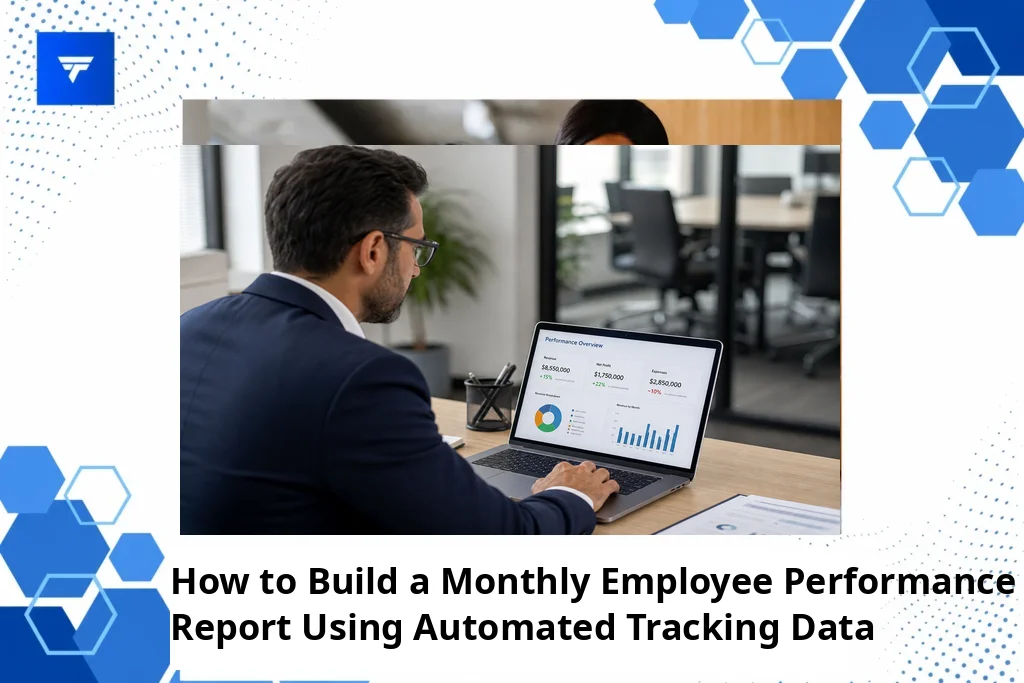
How to Build a Monthly Employee Performance Report Using Automated Tracking Data
Introduction
In a recent report, nearly 70% of companies stated that they struggle with effectively measuring employee performance. Without solid metrics and data, businesses find it challenging to make informed decisions about workforce optimization and productivity enhancement. This gap highlights the need for structured employee performance reporting, amplified through technology.
Automated tracking data offers a solution by providing accurate and real-time insights, drastically reducing the manual effort required in performance evaluations. In this article, we’ll guide you through creating a monthly employee performance report using automated tracking data, ensuring precise, actionable outcomes.
What Is a Monthly Employee Performance Report?
A monthly employee performance report is a systematic document that aggregates data over a 30-day period to evaluate individual employee contributions, efficiency, and productivity within the company. Its purpose is to provide managers, HR teams, and executives with a coherent view of workforce performance, allowing them to identify achievements and areas requiring improvement.
This report serves multiple audiences – from HR departments needing objective data for evaluations, to team leaders aiming to understand their team’s strengths and weaknesses, and executives who require high-level insights for strategic decision-making. It bridges the gap between manual performance evaluation methods and the need for data-driven approaches.
Such reports are crucial for maintaining transparency, accountability, and motivation among employees, providing them with clear feedback and goals while allowing companies to align individual performance with broader business objectives.
Build Smarter Monthly Employee Performance Reports with Automated Data
1. Defining Goals and Metrics
Before diving into the data, establish clear performance goals and metrics. This could include key performance indicators (KPIs) like sales targets, project completions, or customer satisfaction ratings. For instance, a sales team may track monthly revenue targets and new client acquisitions, providing a quantitative basis for performance assessments. Managers aiming to streamline evaluations will find goal-setting essential for aligning employee activities with company priorities.
2. Utilizing Automated Tracking Tools
Leveraging automated tools such as TrackForce, companies can gather real-time behavioral data and activity logs without intrusive oversight. For example, using app and website tracking, companies can measure productivity by seeing where employees spend their work hours. This approach suits remote-first organizations looking to maintain efficiency without micromanagement.
3. Data Aggregation and Analysis
Once data is collected, the next step involves aggregation and analysis to draw meaningful conclusions. Software platforms often offer dashboards that summarize this information into comprehensible formats, comparing individual performances against historical data and organizational standards. HR professionals utilize these insights for both micro and macro evaluations.
4. Report Compilation
Once analysis is complete, compile the report, ensuring it remains accessible and actionable. It should present the gathered data in visual formats like charts and graphs, coupled with narratives that contextualize the statistics. Managers and team leads can benefit significantly, using these compiled reports to conduct effective one-on-one meetings.
5. Feedback and Continuous Improvement
A crucial end phase involves delivering feedback based on report findings and implementing improvements. Automated insights allow for specific, objective evaluations, empowering employees to self-reflect and align future efforts towards organizational goals. This phase particularly aids leadership roles in fostering a culture of continuous growth.
Types / Features
Features of automated tracking systems, like those by TrackForce, enhance the depth and scope of monthly performance reports. Key functionalities include real-time dashboards, which offer live insights into productivity trends and behavioral shifts, providing instant access to data that might otherwise require multiple systems or manual updates.
Features like email and chat monitoring or file transfer tracking help provide a holistic view of an employee’s work habits, ensuring that adherence to company compliance and security policies are met without compromising transparency. These tools not only boost data security but also prevent productivity dips due to unmonitored activities.
Pricing
When considering the implementation of automated tracking software, understanding the pricing model is essential. TrackForce offers three main pricing plans that cater to varying organizational needs. The Essential plan begins at $4.99 per user per month, providing basic functionalities such as dashboard access and app tracking.
The Professional plan, priced at $9.99 per user per month, expands features to include email monitoring and screen recording. For comprehensive analytics, the Ultimate plan at $12.99 per user per month offers advanced risk analytics and dedicated account management, making it suitable for larger enterprises with diverse monitoring needs.
Why It Matters
With remote and hybrid work models becoming the norm, maintaining visibility into team performance during working hours has become more complex. Employee performance reports based on automated tracking data ensure that businesses maintain operational transparency and employee accountability.
This importance is further accentuated in industries with rigorous compliance requirements, where understanding digital interactions is crucial to maintaining security and productivity. TrackForce stands out here, offering a suite of tools designed to tackle these challenges with precision and reliability.
Implementing such systems helps mitigate the inefficiencies of manual reporting and uncovers productivity patterns previously unnoticed, positioning companies to remain competitive in ever-demanding markets.
How It Works
To set up a monthly performance reporting framework using TrackForce, companies need to begin by defining monitoring criteria aligned with business goals. They then configure the software to track relevant employee activities. The setup process involves customizing dashboards and access roles to ensure data is both accessible and secure.
The workflow of using TrackForce is streamlined. Behavioral and performance data is automatically compiled, visualized, and made available in an intuitive dashboard, eliminating the need for separate data entry or manual adjustments. This fosters a seamless user experience for HR managers and team leads.
Furthermore, setting tailored alerts and automations ensures that any deviations from expected performance are flagged, allowing managers to address issues proactively. This capability transforms standard reports into strategic tools for workforce optimization.
Conclusion
Automated tracking solutions like TrackForce transform monthly employee performance reports into dynamic, data-driven evaluations. Embracing these tools equips businesses to maintain productivity, accountability, and strategic alignment in an ever-evolving work environment.
FAQs
How does automated tracking improve report accuracy?
Automated tracking enhances report accuracy by removing the risk of human error and bias associated with manual data collection. It provides real-time, objective insights that reflect actual employee activities, ensuring that performance metrics are based on factual data rather than subjective assessments. This leads to more reliable evaluations and decision-making.
Can automated tracking comply with privacy regulations?
Yes, automated tracking systems like TrackForce are designed to comply with privacy regulations. They offer customizable monitoring rules allowing employers to determine what data is collected. Additionally, features such as role-based access and data encryption ensure that sensitive information is protected and only accessible to authorized personnel, aligning with privacy standards and legal requirements.
Who benefits from using automated employee performance reports?
Multiple stakeholders benefit from automated employee performance reports, including HR teams, managers, and executives. HR professionals gain efficient tools for monitoring performance, managers receive actionable insights to guide team development, and executives acquire high-level overviews to inform strategic decisions. These reports create a unified understanding of workforce dynamics across the organization.
What kinds of businesses should use automated tracking systems?
Automated tracking systems are valuable for businesses of all sizes and sectors, particularly those with remote or hybrid teams. Companies in regulated industries or those focusing on data security and productivity optimization will find these tools indispensable. Small businesses can also leverage them to gain insights usually unavailable due to resource constraints, allowing for better workforce management and strategic planning.
