
How to Set Up Role-Based Access in Employee Monitoring Tools (Admin vs Manager vs Team Lead)
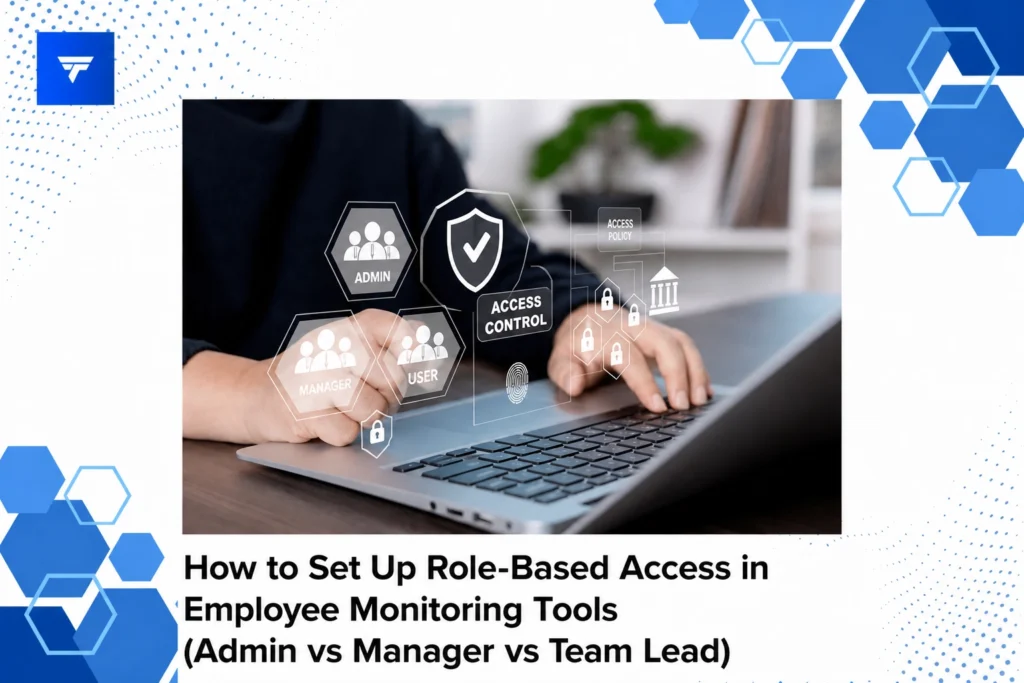
Effective Role-Based Access Setup in Employee Monitoring Tools: Admin vs Manager vs Team Lead
Introduction
Role-based access control (RBAC) is critical in managing employee monitoring tools effectively. According to a 2022 study, organizations implementing structured RBAC reported a 30% increase in operational efficiency due to reduced unauthorized access and improved data security. With employee monitoring software becoming increasingly integral to workplace management, setting up precise roles is essential.
This article will guide you through setting up role-based access in employee monitoring systems such as TrackForce, focusing on Admin, Manager, and Team Lead roles. You’ll learn about the specific access levels and practical steps necessary to ensure secure and efficient team oversight.
What Is Role-Based Access Control?
Role-Based Access Control (RBAC) is a management approach where access to resources within a software environment is granted based on the user’s role within the organization. It’s designed to simplify the authorization process by assigning permissions to job functions rather than individuals. This not only enhances security by minimizing the risk of over-privilege but also streamlines access management.
The RBAC model is particularly beneficial for organizations using employee monitoring tools. It ensures that sensitive data is only accessible to authorized personnel, thereby maintaining data integrity and compliance with industry regulations. The primary audience for RBAC includes IT administrators, HR professionals, and team leaders who require structured access to enhance accountability and oversight.
How to Set Up Role-Based Access: Admin vs Manager vs Team Lead
Admin Role
The Admin role is typically reserved for IT directors or senior operations managers. This role has full access to all system functionalities, including setting user permissions, modifying organizational settings, and overseeing security protocols. Admins are responsible for the overall operation and maintenance of the monitoring tool, ensuring it aligns with company policies. For instance, in TrackForce, an Admin can configure monitoring rules and access the most comprehensive system reports, essential for informed decision-making.
Manager Role
The Manager role is intended for department heads or team managers who need to oversee their team’s productivity while not requiring full system access. Managers can view productivity reports, monitor team performance, and manage day-to-day activities. This role fits mid-level supervisors who need insights into workflow but do not require administrative capabilities. With TrackForce, managers can access daily productivity reports and utilize app and website tracking features to assess their team’s work habits.
Team Lead Role
Team Leads are often project leads or senior employees responsible for managing smaller groups. They have access to team-specific metrics and performance data, which helps in making tactical decisions. The role is tailored for those needing insights without full data access. In TrackForce, Team Leads can receive performance summaries and have visibility into team communication history, fostering a controlled yet flexible management environment.
Key Features of TrackForce for RBAC
TrackForce offers a comprehensive suite of features that support role-based access, ensuring that each user has tailored permissions suitable for their responsibilities. One notable feature is the real-time dashboard, which provides live tracking capabilities and instant productivity insights, empowering efficient management and decision-making.
Another crucial feature is customizable monitoring rules, allowing organizations to dictate what activities are monitored and who is included in these assessments. This flexibility ensures that sensitive data is protected, enhancing organizational security. TrackForce also offers enterprise-grade encryption and hierarchy management that supports robust role-based access mechanisms.
Pricing
TrackForce offers tiered pricing to accommodate different organizational needs and sizes. The Essential plan, priced at $4.99 per user per month, provides foundational features such as dashboard access, screenshots, and app/website tracking. It’s ideal for small teams or startups looking to implement basic monitoring tools.
The Professional plan, at $9.99 per user per month, includes advanced features like file transfer monitoring and screen recording, beneficial for mid-sized companies needing robust oversight. For comprehensive security and management needs, the Ultimate plan at $12.99 per user per month offers advanced risk analytics and dedicated account management, suitable for large enterprises.
Why Role-Based Access Matters
Incorporating role-based access in employee monitoring is pivotal for organizational security and efficiency. It mitigates the risk of data breaches by ensuring only qualified personnel can access sensitive information. This hierarchical access also prevents information overload for junior staff, allowing them to focus on pertinent tasks.
TrackForce is a robust choice for organizations looking to implement or enhance their RBAC system. Its intricate features such as advanced risk analytics and customizable policies cater to diverse operational needs. The software’s capability to handle complex access hierarchies while maintaining user-friendliness makes it a preferred option for forward-thinking teams.
By utilizing TrackForce, businesses can improve accountability, streamline workflow, and enhance data security, all integral to maintaining a competitive edge in the market.
How It Works
Setting up role-based access in TrackForce is straightforward. Once logged in as an Admin, navigate to the settings to define roles based on organizational hierarchy. Each role can be customized with specific access permissions that align with job responsibilities.
The workflow includes assigning permissions, setting monitoring rules, and testing configurations across the organization. TrackForce’s real-time dashboard simplifies this process, allowing for immediate adjustments as needed, ensuring that operations are not disrupted.
Practical usage involves regularly reviewing role definitions and permissions to adapt to changing organizational needs. TrackForce provides insights that allow Admins to see the impact of role-based access on productivity and data security, ensuring ongoing optimization.
Conclusion
Understanding and implementing role-based access in employee monitoring tools is essential for operational success. Consider exploring TrackForce for a comprehensive solution to meet your role management needs.
FAQs
How do I assign roles in TrackForce?
To assign roles in TrackForce, start by accessing the administration panel and selecting the roles section. From there, you can define roles, align them with job responsibilities, and allocate specific permissions. Utilize TrackForce’s intuitive interface to establish and modify access levels efficiently and review them periodically to ensure they remain aligned with organizational changes.
What are the benefits of using role-based access control?
Role-based access control provides several benefits, including enhanced security by restricting data access to authorized users, reduced administrative overhead through centralized management, and improved compliance with industry regulations. It helps in streamlining operations by providing employees with access tailored to their job needs, minimizing distraction and maximizing focus on relevant tasks.
Can I customize roles in TrackForce?
Yes, TrackForce allows for extensive role customization. You can tailor each role according to your organization’s specific needs, defining what data and functionalities each role can access. This customization helps in aligning the monitoring tool with your organization’s operational framework, ensuring that each user has the appropriate tools to perform their duties effectively.
What should I consider when setting up RBAC?
When setting up role-based access control, consider the principle of least privilege, ensuring users have the minimum level of access necessary for their role. Assess departmental functions to determine who needs access to sensitive information and who does not. Regular audits of role assignments are essential to adapt to organizational changes and maintain a secure environment.
